How to deploy on TalariCloud
Connect a GitHub repository and push. Everything between that and a live URL is on this page — what the platform works out on its own, what it asks you for, and what it does when something goes wrong.
The whole thing, in three steps
There is no CLI to install, no Dockerfile to write and no YAML to learn. The first deploy is one click; every deploy after it is a git push.
1. Connect your repository
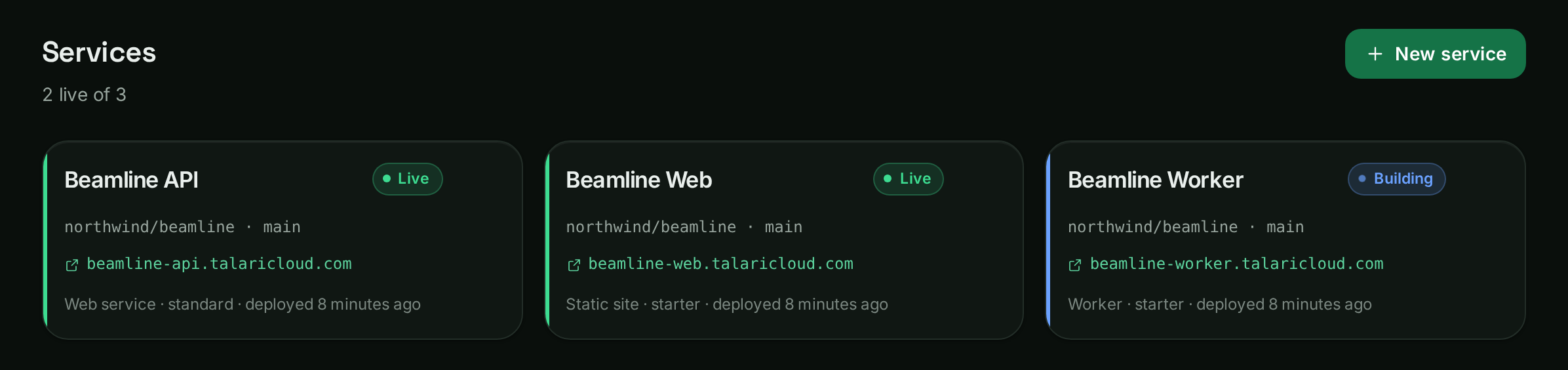
Authorise GitHub once, pick a repository and a branch. If your project lives in a subfolder of a larger repository, point at the subfolder — a frontend and a backend in one repository are two services, and they can share an address.
You can connect a repository without deploying it, which is the right choice if you know you need environment variables or a database in place first.
2. What the platform works out on its own
Before it asks you anything, TalariCloud reads the repository and identifies what it is. It looks at your manifests — requirements.txt, package.json, composer.json, go.mod, Cargo.toml, Gemfile, mix.exs — and at the files around them.
What it works out:
- The runtime — Django, FastAPI, Flask, Next.js, Nuxt, Remix, Astro, Gatsby, Vite, Express, NestJS, Laravel, Rails, Phoenix, Go or Rust.
- The build command — how to turn your source into something runnable.
- The start command — how to run it, bound to the port the platform hands it.
- Whether it is a website or a service — a Vite or Astro project that builds to a folder of files is a static site, served from the edge and free.
It shows you all of it before anything is created, with the evidence it used — "found manage.py" — and you can change any of it. When it cannot tell, it says so plainly rather than guessing and failing later.
A project with its own Dockerfile skips all of this: the Dockerfile is used as-is.
3. Add what your app needs to run
Two things, both optional, both easier to do before the first deploy than after.
Environment variables
Add them in the Environment tab. Values are encrypted at rest and masked until you ask to see one. Edits are staged and applied together — one save, one redeploy, however many variables you changed.
A variable marked build-time is available while your image is built, which is what a VITE_ or NEXT_PUBLIC_ variable needs. Build variables end up inside the image, so they cannot be secret — the platform refuses that combination rather than letting you believe otherwise.
A database
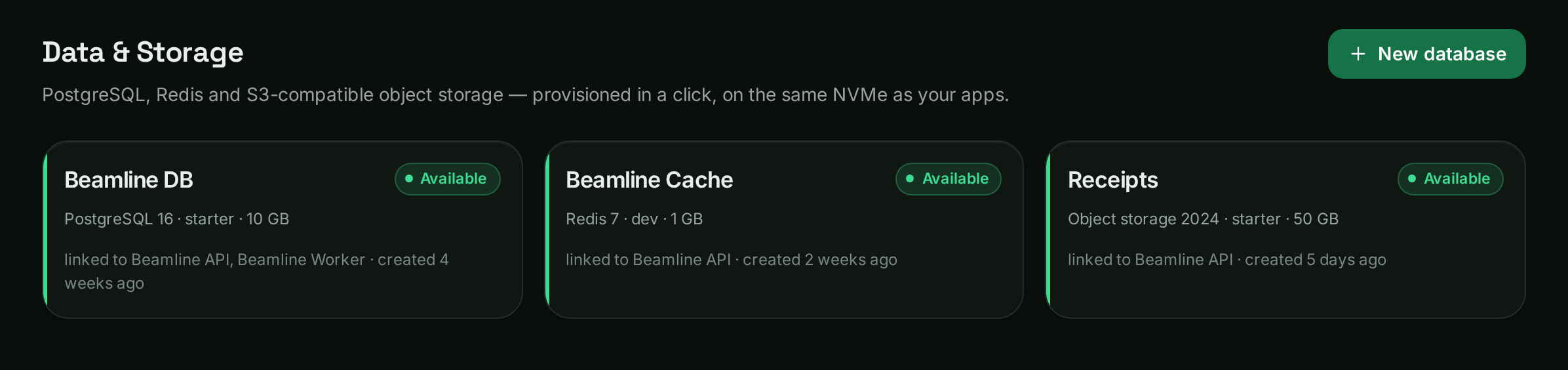
Create a managed PostgreSQL or Redis and link it to the service. The connection string is injected at deploy time as DATABASE_URL — nothing to copy, nothing to commit. A linked database always beats a hand-typed variable of the same name, so a stale value cannot quietly point production somewhere else.
4. Deploy — and what actually happens
Press Deploy, or push to the branch. Either way the deploy runs through six stages, and the dashboard names the one it is on rather than showing a spinner.
The pre-deploy command
If you set one, it runs after the image is built and before the new version takes any traffic. This is where database migrations belong. TalariCloud never touches your database on its own — a platform that silently alters your schema is a platform that can silently lose your data.
# Django
python manage.py migrate --noinput

# Rails
bin/rails db:migrate

# Laravel
php artisan migrate --force
If it fails, the rollout stops and nothing is replaced.
A failed deploy does not take your site down
This is worth understanding before you need it, because it changes how much a bad push costs you: nothing.
The new version has to start and become healthy before the old one is retired. A version that never becomes ready never receives a single request.
When a deploy fails on a service that was already serving, the platform tells you which version visitors are still getting, rather than marking the service failed. You can also roll back to any earlier deploy in one click.
5. It is live
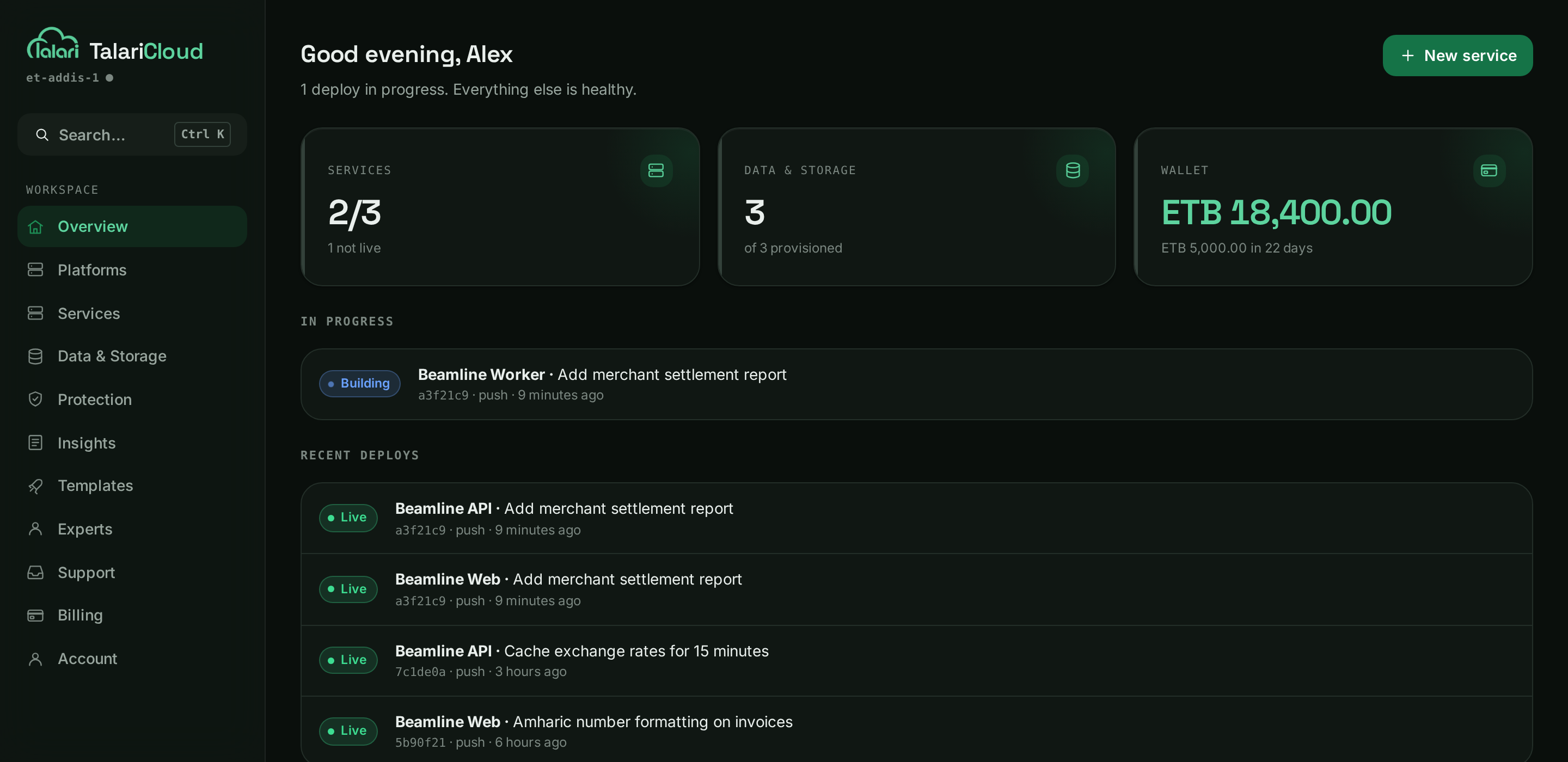
Every service gets an HTTPS address immediately, with a certificate issued and renewed for you. Add your own domain and point one DNS record at the platform; the certificate follows.
- Logs and metrics, streaming live, not on a delay.
- Every push deploys — automatic deploys are on by default. Turn them off per service if you would rather press the button yourself.
- Every pull request gets its own running copy, with a comment on the PR linking to it, removed when the PR closes.
- Pause without losing anything — scale to zero, keep the disks and the configuration, bring it back when you need it.
Guides for your stack
The above is the same for every project. These cover what is specific to a framework — the settings a project written for your laptop has to change before it can serve real traffic.
- How to structure your repositoryOne app, a monorepo, root directories, and declaring services in talaricloud.yaml.
- Deploy a Django appgunicorn, ALLOWED_HOSTS, managed PostgreSQL, migrations and static files.
More are being written. Every framework below already deploys without one.
Python
Django · FastAPI · Flask
JavaScript & TypeScript
Next.js · Nuxt · Remix · Astro · Gatsby · Vite · React · Express · NestJS
PHP & Ruby
Laravel · Rails
Compiled & BEAM
Go · Rust · Phoenix
Deploy your first app
Connect a GitHub repository and push. Billed in birr or USD, prepaid, with a seven-day trial on eligible accounts.